
Calendars
Project Calendars vs P6 Calendars
Base / project / task / resource calendars vs P6 layers

Project layers (Microsoft)
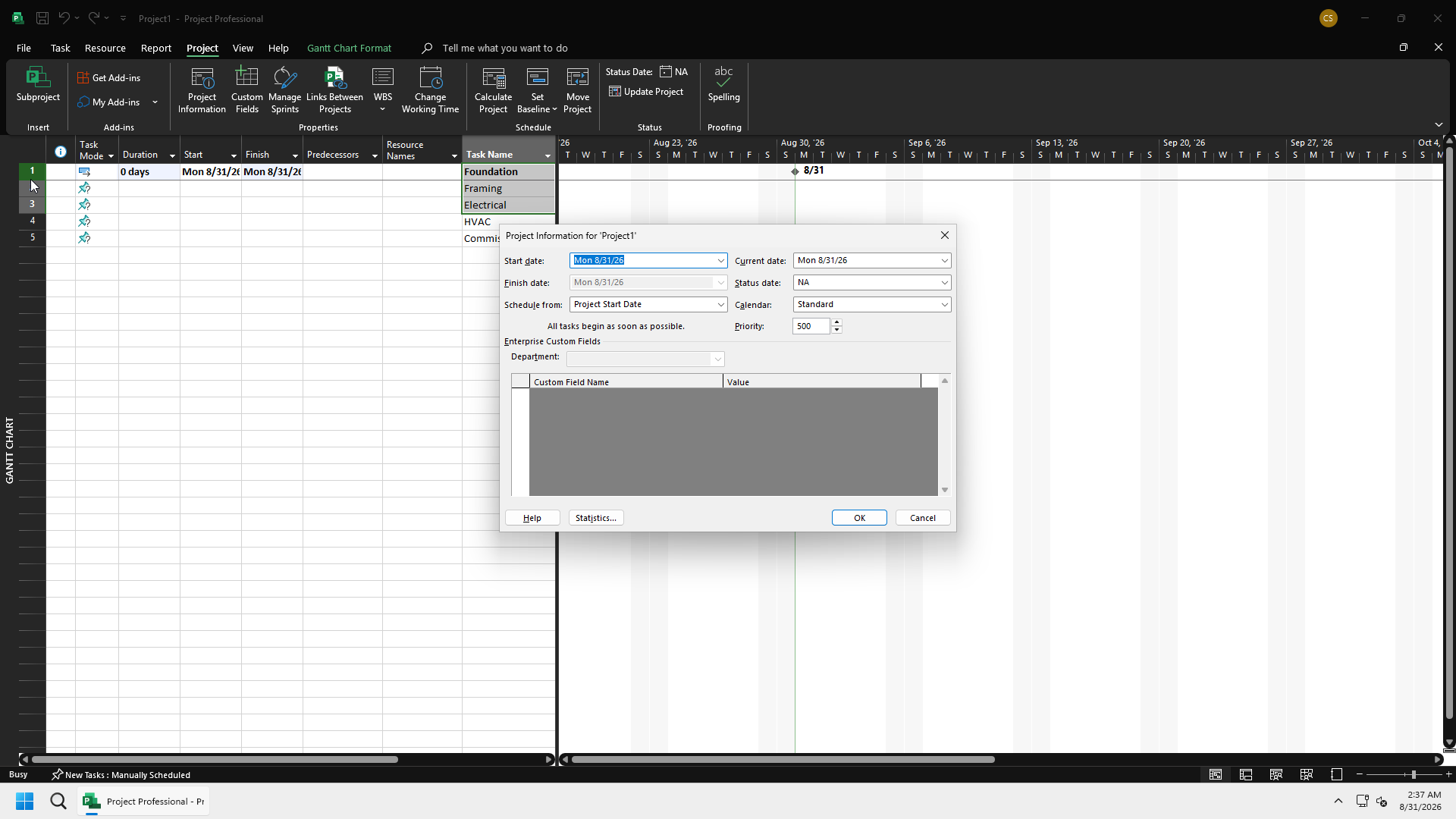
Four types: base, project, task, resource.
- Base: template. Defaults: Standard, 24 Hours, Night Shift. Define working/non-working time and exceptions (holidays).
- Project: the project's working time. Uses a base as a starting point.
- Task: optional. Overrides project working time for that task.
- Resource: usually based on the project calendar at resource creation. Resources are scheduled only when available.
When a task calendar and a resource calendar both apply, Project schedules the overlap unless the task option to ignore resource calendars is set. If no task calendar is assigned, the project calendar is used for the task.
Task calendars are optional. Many Project files never use them.
How this differs from P6
| P6 | Project | |
|---|---|---|
| Pools | Global, project, resource | Base templates + one project calendar + optional task + per-resource |
| Activity/task calendar | Every activity has clndr_id (global or project pool) | Task calendar is optional |
| Resource calendar | Resource may use global or resource calendar, not project (Plan Academy) | Resource calendar is normal; based on project/base |
| Remaining duration | Activity calendar working time | Duration is working time on the calendars that apply (project/task/resource overlap) |
Project has fewer in-use layers on a typical file. Do not invent a P6-style global calendar dictionary inside MSPDI; MSPDI calendars are the Project calendar list.