
XER, XML & MPP Files
XER Shape
XER file markers: ERMHDR / %T / %F / %R / %E; field order is the schema
What a planner means
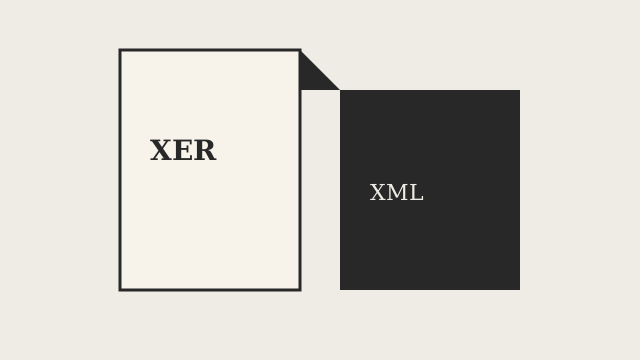
A .xer file is tab-separated text — not XML, and not MSPDI. It is also not the same thing as P6 XML, also known as PMXML; see P6 XML vs XER for that distinction.
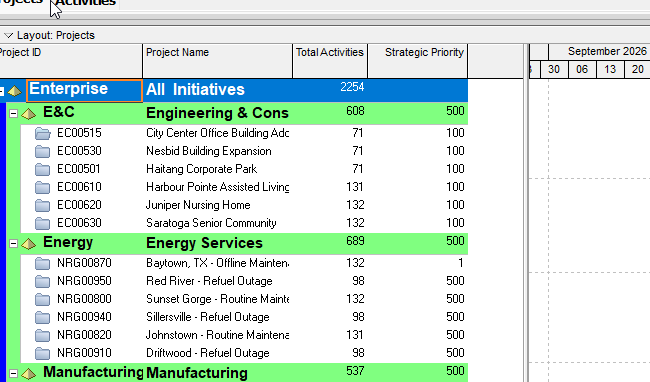
A live Professional export on this box (/workspace/uploads/courtney-p6-test.xer, Project ID 23-10-CE-LIVE) shows the shape clearly. The first line is ERMHDR, followed by tab-separated fields; on that file the observed values are 19.12, 2026-08-14, Project, cschappert, Courtney Schappert, dbxDatabaseNoName, Project Management, and CAD. Do not invent official names for those ERMHDR columns — Oracle's project XER map does not document them. Each table in the file begins with %T followed by the table name, then %F followed by the field names in order, then one %R line per row; the file as a whole ends with %E.
That particular export has no %V line at all. A reduced sample on this box, /workspace/shots/2026-08-16-sample-xer/sample-project.xer, does print %V\t19.12. Do not treat %V as required on every XER.
Field order is the schema for a given table in a given file. The live TASK %F line on 23-10-CE-LIVE is a long Professional-style list, while the sample file's TASK %F line is a much shorter subset of the same columns. Always read the %F line itself rather than assuming a fixed column index carries across files or P6 versions. Empty values appear as empty strings between consecutive tabs — do not drop trailing columns just because they look blank.
Zeus dump, a shop rule rather than a file that lives on this box: client revisions stay surgical, meaning the preamble, table set, %F order, unrelated rows, GUIDs, and IDs are all preserved untouched. Converter work or a genuinely new schedule may rewrite more freely. Within TASK, task_id is the export key and task_code is the Activity ID. Do not treat Zeus's ~/xer-work/ paths as files that exist here.
Professional vs EPPM
This note's live file is a Professional 19.12 export. Oracle's published XER column map, by contrast, is the EPPM project map — do not assume EPPM writes the same %F order or the same table set that Professional does.
Primavera Cloud is a separate product entirely, with its own file conventions; nothing here should be copied over to describe it.
XER
Do not invent an XERSHAPE or ERMHDR table on the project map — ERMHDR is the first line of the file itself, not a %T block. Table names that follow %T match Oracle's map wherever that table is actually listed there (PROJECT, TASK, TASKPRED, PROJWBS, and so on). The marker letters %T, %F, %R, and %E are proved directly on the live file examined here; they are not part of Oracle's column map documentation.
Microsoft Project
MSPDI is XML. MPP is a binary format. Neither one is an XER. Do not map %T, %F, or %R onto MSPDI's structure, and do not claim that MPXJ writes a genuine MPP file.
Don't
- Treat XER as XML or as MSPDI.
- Invent ERMHDR column names, or require
%V. - Assume one file's
%Forder carries over to another file. - Invent
TT_/TK_/PR_*as Oracle-map tokens — observed values in 23-10-CE-LIVE belong to a different note. - Treat Zeus's
~/xer-work/or~/sites/paths as files that exist on this box. - Claim MPXJ writes a real MPP.
Sources
- Live file:
/workspace/uploads/courtney-p6-test.xer(Project ID23-10-CE-LIVE;ERMHDR19.12; tables%T/%F/%R; ends%E; no%V) - Reduced sample (has
%V; short%Flists):/workspace/shots/2026-08-16-sample-xer/sample-project.xer - Oracle XER project map TOC [27 Aug 2026]
- Related [27 Aug 2026]