
Dates & Status
P6 Data Date (Time-Now / As-Of)
The Data Date is the as-of, not today and not Planned Start.

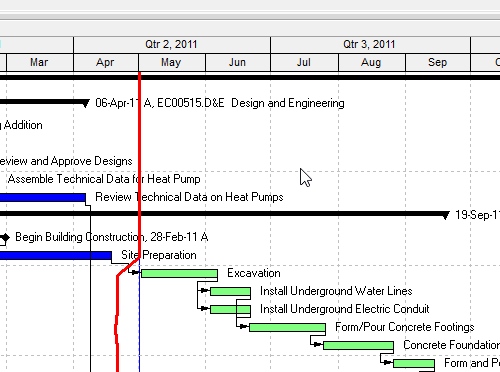
What the field is
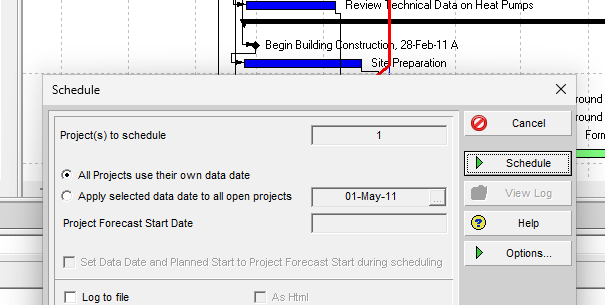
Oracle: Data Date is the progress point, or “as-of date”, for activities in the project. Project status is up-to-date as of the data date. You can set it when you schedule or apply actuals, or set it manually.
It is not Must Finish By. Must Finish By is an optional project finish constraint (PROJECT.plan_end_date in XER). Planned Start is PROJECT.plan_start_date. Neither of those is the as-of.
What it does
Remaining work sits to the right of the Data Date. Actual duration for an in-progress activity is working time from Actual Start to the Data Date. Remaining Duration is working time from remaining start to remaining finish on the activity calendar.
Expected Finish (TASK.expect_end_date) is a separate date. The schedule option “Use expected finish dates” tells the scheduler to honor it. Oracle does not say Expected Finish equals the Data Date.
The schedule’s “as of” is the Data Date, not today and not Planned Start. A look-ahead, Apply Actuals, and Earned Schedule AT all start from this line — not from the wall clock.
XER — do not over-claim
Oracle’s PROJECT map does not have a column labeled Data Date.
last_recalc_date— Last Recalc Date. MPXJ maps this to project Status Date. Common converter practice treats it as the Data Date. Not Oracle-labeled Data Date.last_schedule_date— Last Scheduled Date (P6 EPPM only). Different field.sum_data_date— Summarized Data Date (P6 Professional only). Summarization, not the live Data Date.plan_start_date— Planned Start. Not the Data Date.plan_end_date— Must Finish By. Project finish constraint.
Viewers should read last_recalc_date as the practical Data Date (MPXJ Status Date mapping) and must not call that mapping Oracle-official.
XER 23-10-CE-LIVE data date 31-Jul-26 17:00. Sample EC00515 in P6 Professional 25: Data Date 01-May-11. Both are as-of stamps, not the day you opened the file.
Microsoft Project
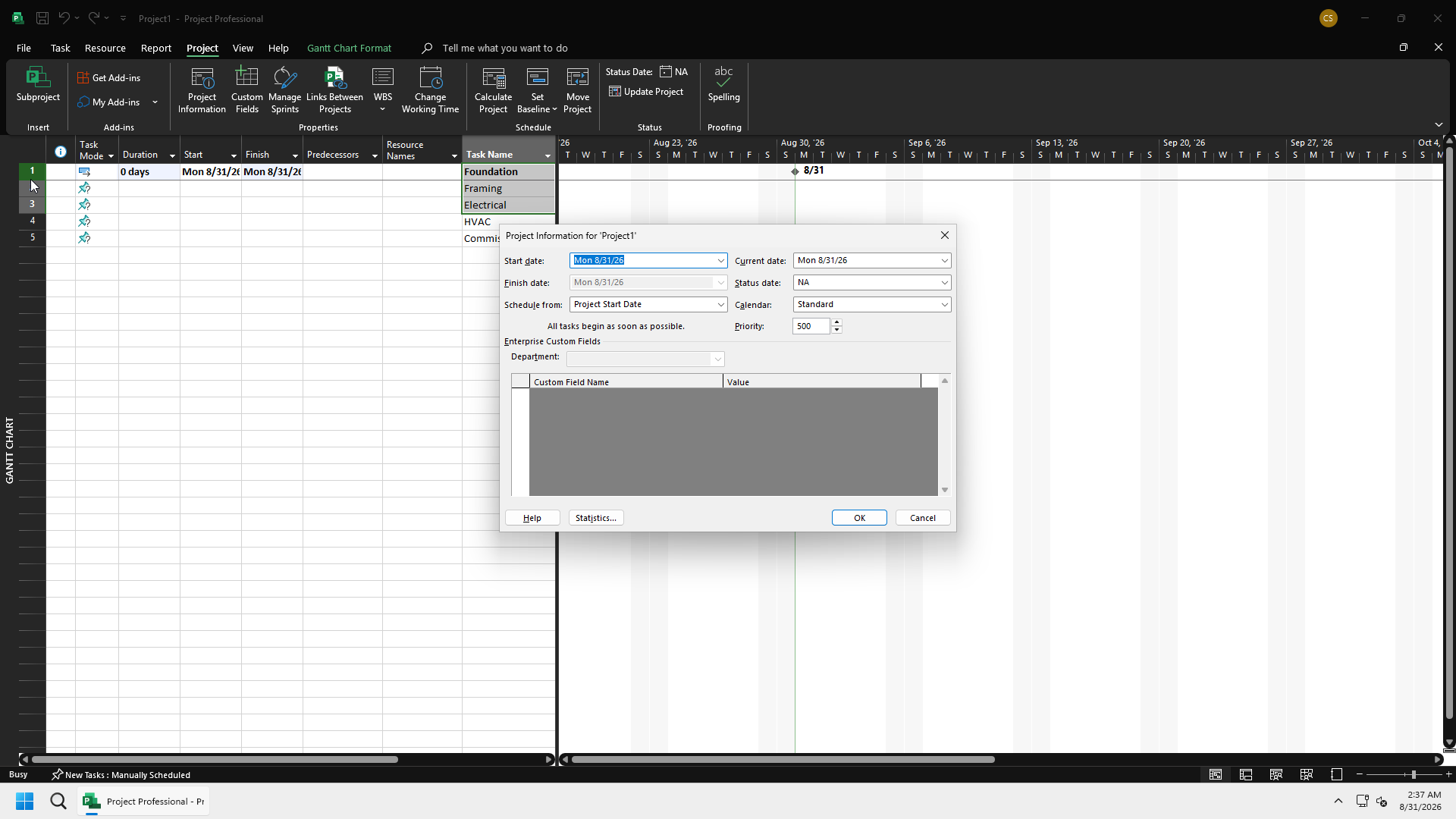
Project’s analogue is Status Date, not Start Date. Do not map P6 Data Date to MSPDI StartDate. Current Date in Project is also not the as-of.
Must not
- Treat Data Date as today.
- Treat Planned Start or Must Finish By as the as-of.
- Call
last_recalc_dateOracle’s official Data Date column. - Map P6 Data Date to MSP Start Date.
- Anchor a look-ahead or Earned Schedule AT on the wall clock.