
Progress & Earned Value
Financial Periods Are Named Buckets, Not the Data Date
FINDATES named buckets; not Data Date; not a work calendar
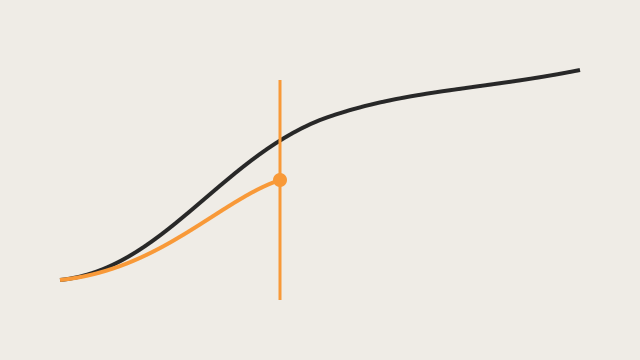
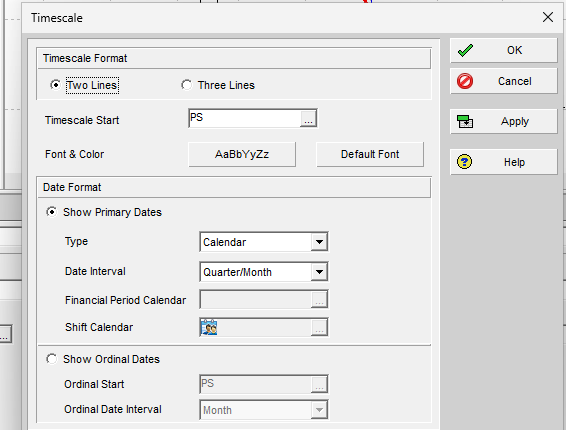
What a planner means
A financial period calendar is a global list of named date ranges (week, month, quarter, year) your organization uses to post actuals. Oracle: customized periods give a more accurate display of actual units and costs than spreading cost evenly over the activity. Users store period performance into a period of the calendar assigned to the project.
You create periods under Admin, Financial Period Calendars. Batch create: same duration over a range; periods must be at least one week. Start and end dates cannot overlap existing periods. You cannot modify start/end after create (delete and remake). Oracle: all periods start at midnight and end at 11:59 PM.
When Professional is connected to EPPM, you can store period performance only if financial period calendars have been defined in P6.
This is not the Data Date, not a calendar of working time, and not a look-ahead window.
XER: FINDATES
| Column | Oracle label |
|---|---|
fin_dates_id | Unique ID |
fin_dates_name | Period Name |
start_date | Start Date |
end_date | End Date |
PROJECT.fintmpl_id is Financial Period Calendar ID. PROJECT.last_fin_dates_id is labeled Financial Period (which stored period that is — last stored vs current — is not spelled out in the map). Do not invent the meaning.
Past-period rows point at fin_dates_id (see Store Period Performance Posts This Period, Then Zeros It).
To show financial-period timescale intervals correctly, Oracle says activity and resource data must be summarized by financial period (Admin Preferences, Options: By financial period). Summarization is a database job, not an XER field.
Microsoft Project
Desktop Project has no financial period calendar and no Store Period Performance. Timephased Actual Work is effort spread on the timescale (day/week), placed around the Status Date. Project Online can roll up reporting data by fiscal period; that is a reporting publish setting, not MSPDI and not this object.
Don't
- Treat FINDATES as CALENDAR or as Data Date / Status Date.
- Treat a period name as a WBS or activity.
- Invent
fintmpl_id/last_fin_dates_idbehavior beyond the Oracle labels. - Map FINDATES to MSP timescale tiers and call them the same object.