
Progress & Earned Value
Progress Lines Are a Gantt Decoration, Not Status Date (Microsoft Project)
Progress Lines are a Gantt decoration on Status Date / current date / intervals; not the Status Date gridline
What Microsoft says
Desktop Project can display progress lines on a Gantt view. Microsoft: "If you use progress lines to display progress information, you can display progress lines for the status date, current date, or regular intervals."
Where — Microsoft VBA: the Progress Lines command is in the Gridlines drop-down, Format group, Gantt Chart Tools tab. It opens the Progress Lines dialog. No effect if the active view is not a Gantt view. AddProgressLine "enters interactive progress line mode, enabling the user to manually draw progress lines" (Gantt only; requires user interaction).
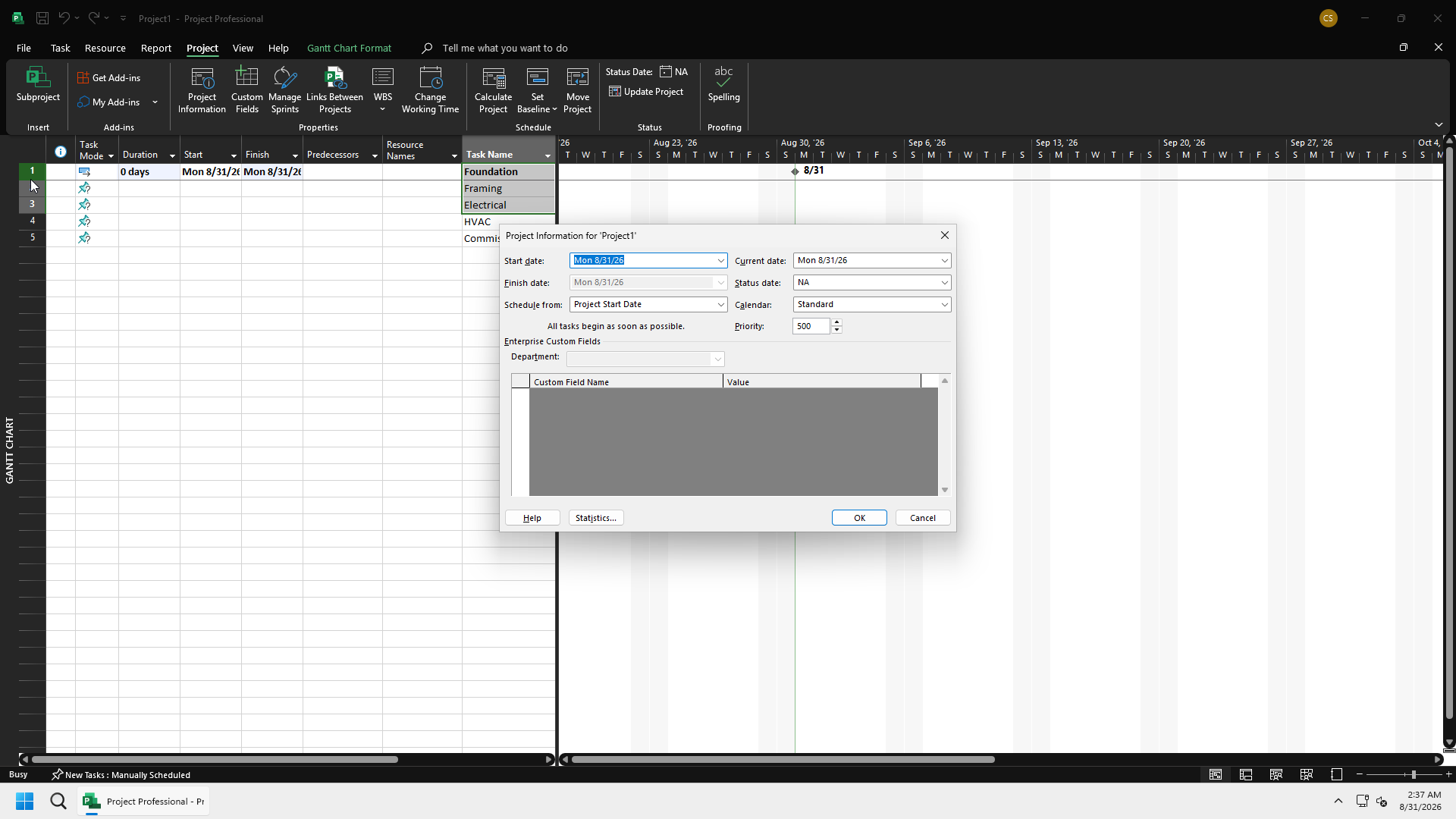
Status Date — Microsoft: "The project status date enables Project to show progress lines in tasks on the Gantt chart." Set it from Project > Status Date. See status-date.md.
Calculation option Microsoft names for the lines — File > Options > Advanced, Calculation options for this project: Edits to total task % complete will be spread to the status date. Microsoft: that "ensures that Project evenly spreads the work reported through percentage complete up to the status date. Then, when you display progress lines, the progress lines reflect the likely progress of work on any given date."
Microsoft also: the options that move completed / remaining parts relative to the status date are "particularly useful when you want to see 'ahead of schedule' progress lines."
The pages fetched do not print a Start/Finish vs % Complete / Remaining Duration enum, a 1–10 point thickness, or Project vs Primary baseline. Do not copy those P6 Bar Chart Options onto Project.
What it is not
- Not the Status Date gridline. Microsoft: Gantt Format > Gridlines, Line to change Status Date, then a line style and color. That is a vertical date line.
- Not the Progress / Complete Through bar. Microsoft: Complete Through "shows the progress of a task on the Gantt Chart, indicating the point up to which actuals have been reported." "By default, the progress bar uses the Complete Through field on the Gantt Chart."
- Not P6 Progress Spotlight (yellow curtain). See
p6/progress-spotlight.md. - Not P6 Data Date. See
p6/data-date.mdand status-date.md.
P6 has its own Progress Line (Bar Chart Options / View > Progress line, drawn vs the data date and a baseline). Do not map the two as the same command. See p6/progress-line.md.
Do not claim MPXJ can write a real MPP. MSPDI pages fetched for this note do not name a ProgressLine element. Do not invent one.
Don't
- Treat MSP Progress Lines as the Status Date field, as the Status Date gridline, or as the Complete Through / Progress bar.
- Map MSP Progress Lines to P6 Progress Spotlight or to P6 Data Date.
- Copy Oracle's left / on / right of data date wording, or P6 Start/Finish vs % Complete / Remaining Duration options, onto Project as if Microsoft printed them.
- Claim MPXJ writes a real MPP.