
Progress & Earned Value
Project % Complete vs % Work Complete vs Physical % Complete
% Complete drives remaining duration; % Work and Physical do not
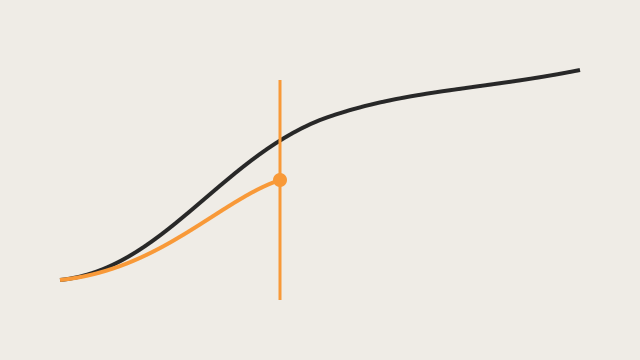
% Complete (duration) — drives remaining duration
Microsoft: "% Complete fields contain the current status of a task, expressed as the percentage of the task's duration that has been completed."
Percent Complete = (Actual Duration / Duration) × 100
If you type % Complete, Project calculates actual duration and remaining duration. If you type Actual Duration or Remaining Duration, the others recalculate.
Remaining Duration = Duration − Actual Duration Actual Duration = Duration × Percent Complete
This is the field that moves remaining duration.
By default, changing % Complete also affects actual work (and vice versa). That link can be turned off in Project Options.
% Work Complete — remaining work, not remaining duration
Microsoft: percent of work done. Actual Work = Work × Percent Work Complete; Remaining Work = Work − Actual Work. Distinct from % Complete.
Physical % Complete
Used for earned value when the EV method is Physical % Complete. Not the duration formula. Microsoft's % Complete article does not give a Physical % Complete formula; treat Physical as entered, not as a driver of remaining duration.
P6 contrast
P6 Duration % Complete uses (Planned − Remaining) / Planned, not Actual / Duration. The two products will disagree on the same remaining duration. See p6/remaining-duration.md.