
WBS, EPS & Types
WBS Milestones Are Weighted WBS Checkpoints, Not TASK Milestones
WBSSTEP weighted checkpoints; performance %; not TASK milestones
What a planner means
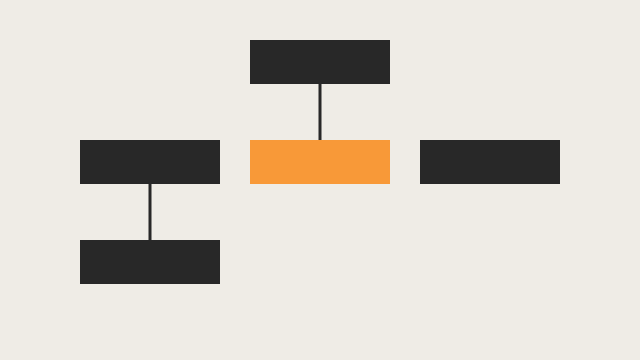
A WBS milestone is a weighted checkpoint on a WBS element, not an activity. Oracle: add an almost unlimited number; each gets a weight for its importance. They can be used instead of activities to calculate earned value. When you mark one complete, P6 uses the weight to calculate performance percent complete of all activities under that WBS, then aggregates to the WBS.
Oracle example: ten activities under a WBS, five with actual finish, plus four equal-weight WBS milestones with only one marked complete → performance percent complete is 25%, even though half the activities are finished.
Professional: pick WBS Milestones Percent Complete on the WBS Earned Value tab (Technique for Computing Performance Percent Complete), then add rows on the WBS Milestones tab. Formula: Actual Weight of Completed Milestones / Total Possible Weight of All Milestones. Example: weights 9, 1, 1, 1 and the 9.0 row complete → 9/12 = 75%. Professional: the result is independent of lower-level activities.
EPPM create: Activities → select the project or WBS → WBS Milestones detail window → Add. Professional create: Project → WBS → Earned Value tab (technique) → WBS Milestones tab → Add (name, weight, Completed checkbox).
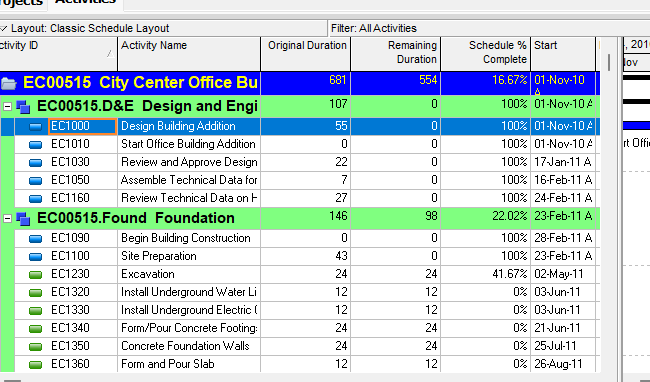
Oracle names this performance percent complete / earned value. That is not activity Physical % Complete (steps / typed TASK.phys_complete_pct). See Start vs Finish Milestones for TASK start/finish milestones, Activity Steps (TASKPROC) — Not Activities, Not MSP Subtasks for TASKPROC, Independent ETC for the other WBS EV techniques.
This is not a TASK start/finish milestone, not a TASKPROC step, not a notebook, and not an activity code.
XER
WBSSTEP (WBS Milestones) is on Oracle’s project XER map:
| Column | Oracle label |
|---|---|
wbs_step_id | Unique ID |
wbs_id | WBS |
proj_id | Project ID |
step_name | WBS Milestone |
step_wt | Weight |
complete_flag | Completed |
seq_num | Sort Order |
No date, relationship, task_id, or % complete column on this table. Do not invent them. complete_flag stored Y/N is unverified.
The WBS technique is PROJWBS.ev_compute_type (Earned Value Percent Complete Technique). Stored tokens are unverified. Do not write the API value WBS_MILESTONES_PERCENT_COMPLETE as a %T code.
TASKPROC is activity steps (task_id, proc_name, proc_wt, complete_pct). Similar-looking names; different object. Do not parse WBSSTEP as TASKPROC.
API (not XER columns): WBSMilestone Name, Weight, IsCompleted, SequenceNumber, WBSObjectId, ProjectObjectId. Set EarnedValueComputeType to WBS Milestones Percent Complete. Do not write those as %T WBSSTEP extras.
Microsoft Project
Desktop Project has no WBS-milestone dictionary. An MSP milestone is a task (duration 0, or Mark task as milestone). That is the activity-milestone analog, not WBSSTEP. Do not map WBSSTEP to an MSP milestone, summary task, or custom Number weight.
Don't
- Treat a WBSSTEP row as a TASK start/finish milestone or as a Gantt bar.
- Treat WBSSTEP as TASKPROC, a notebook, or an activity code.
- Map WBSSTEP to an MSP milestone or summary task.
- Invent dates, relationships, or a
% completecolumn on WBSSTEP. - Treat WBS-milestone weights as activity Physical % Complete.
- Invent
ev_compute_typestored tokens.
Sources
- Oracle About Milestones [27 Aug 2026]
- Oracle Working with WBS Milestones [27 Aug 2026]
- Oracle Creating WBS Milestones [27 Aug 2026]
- Oracle Assign WBS weighted milestones [27 Aug 2026]
- Oracle Using weighted milestones in the WBS [27 Aug 2026]
- Oracle WBSSTEP map [27 Aug 2026]
- Oracle WBSMilestone API [27 Aug 2026]
- Microsoft Add a milestone [27 Aug 2026]